Nightreign LFG on Discord: From Post to Dedicated VC
You can handle an entire Nightreign LFG on Discord—from posting to joining the voice channel—without leaving your server. You post a recruitment with Monvoke's /invoke, and once your squad is set, everyone lands in a voice channel made for that run. If you're already in a duo and just need one more for tonight's Nightlord, that's all it takes.
Post a Nightreign LFG for the Nightlord you're running
Two of you are ready for a Nightlord and need a third. In your server's LFG channel, run /invoke and post the recruitment.
The description is free text, so say which Nightlord you're going after, which character you're playing, and how you want the run to go. Maybe you want everyone on a different character, or you'd rather sort out roles together. Say so if first-timers are welcome. Anyone tapping Join has read that first. If your server has a Nightreign role, you can ping it when you post, so people playing other games don't get dragged in.
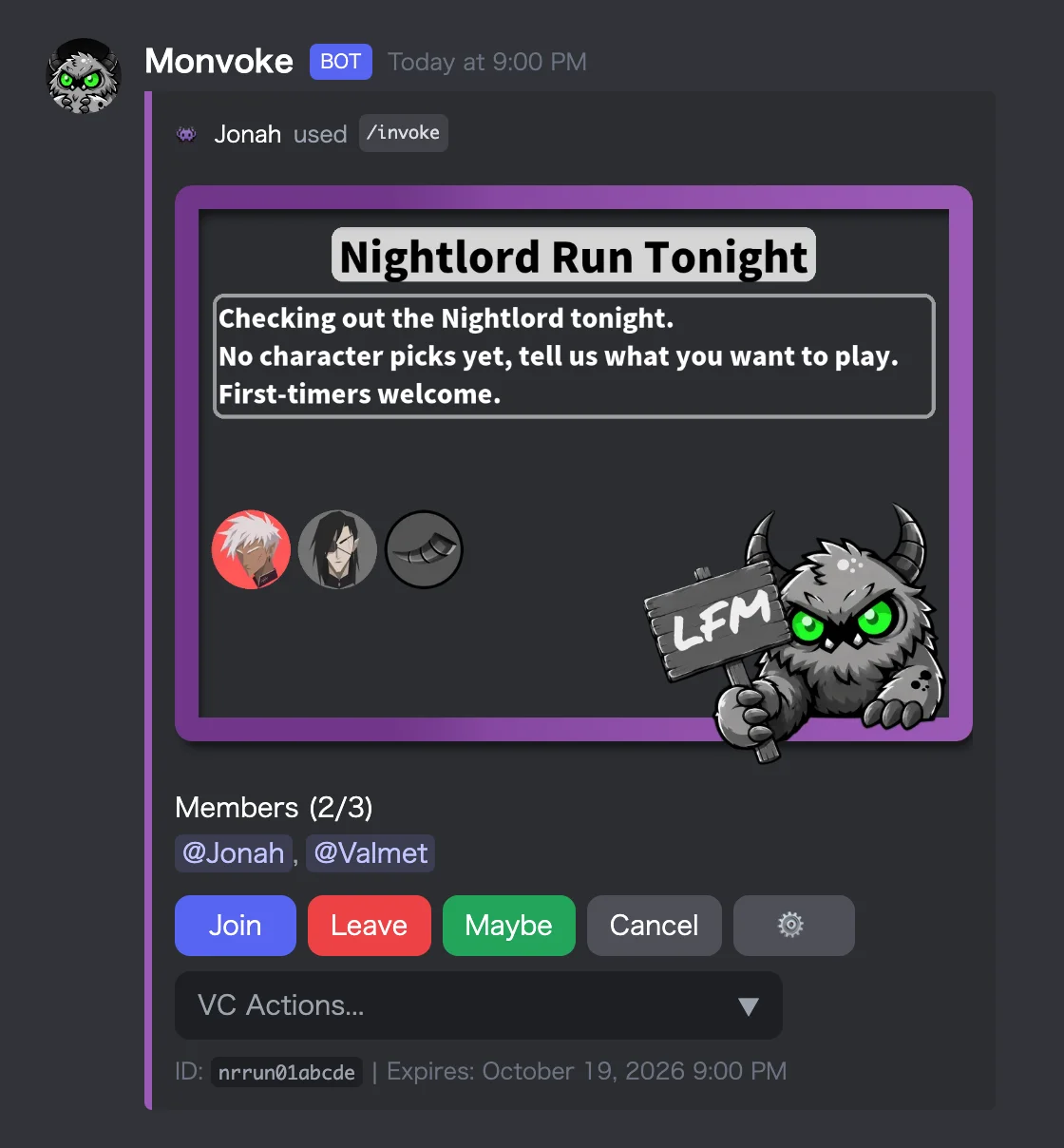
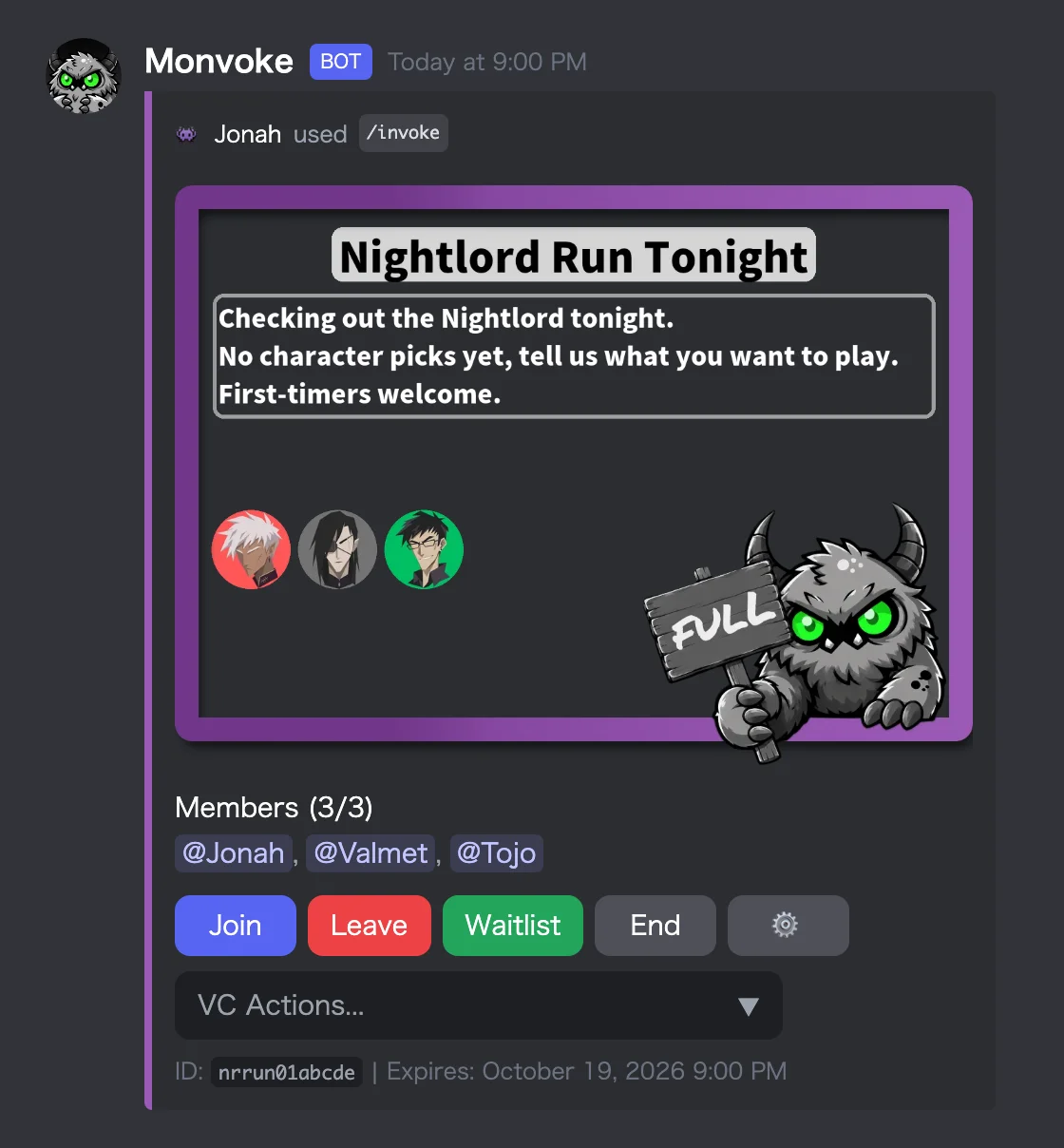
If someone isn't sure they can make it, they can tap the Maybe button instead of Join.
From a full squad to a dedicated VC
Once the post looks like the one on the right, everyone who joined gets a DM saying the recruitment is complete.
The next step is up to the host. Open the VC Actions menu on the recruitment message and choose Create Dedicated VC, and Monvoke creates a dedicated VC only the joined members can enter. It takes the recruitment's title as its name, so even with several posts running in the server, tonight's Nightlord run is easy to spot.
Anyone sitting in a different voice channel can be pulled over with the Gather option. Anyone who hasn't joined voice yet can be pinged from the dedicated VC's chat with Call. Once everyone is in, you launch the game and head out. The dedicated VC deletes itself when everyone leaves.
If someone has registered their game ID with /id, it shows up in the dedicated VC's chat as soon as they join.
When more people want in after it's full
If another member shows up after the squad is full, they can tap the waitlist button to line up. When someone drops out, the person at the front of the line moves into the squad. Discord LFG Bot with Maybe & Waitlist Buttons goes through how it works.