Deadlock LFG on Discord: Fill Your Party of Six
With Monvoke, a Deadlock LFG post in Discord can track who has joined, tell everyone in the party when it is full, and let the host create a voice channel for those six players. You stop juggling a message in one channel, a headcount in your head, and a voice channel someone has to open by hand.
Post the open slots with the hero and mic request in the text
Say you and three friends are on in the evening and the server's usual "anyone want to queue?" thread has gone quiet. You post an LFG with /invoke in your LFG channel and put the hero and mic request right in the text:
4 in the party, need 2 more. Any hero, but one of you on a tanky pick please. Mics on.
Watch the post fill from four to six
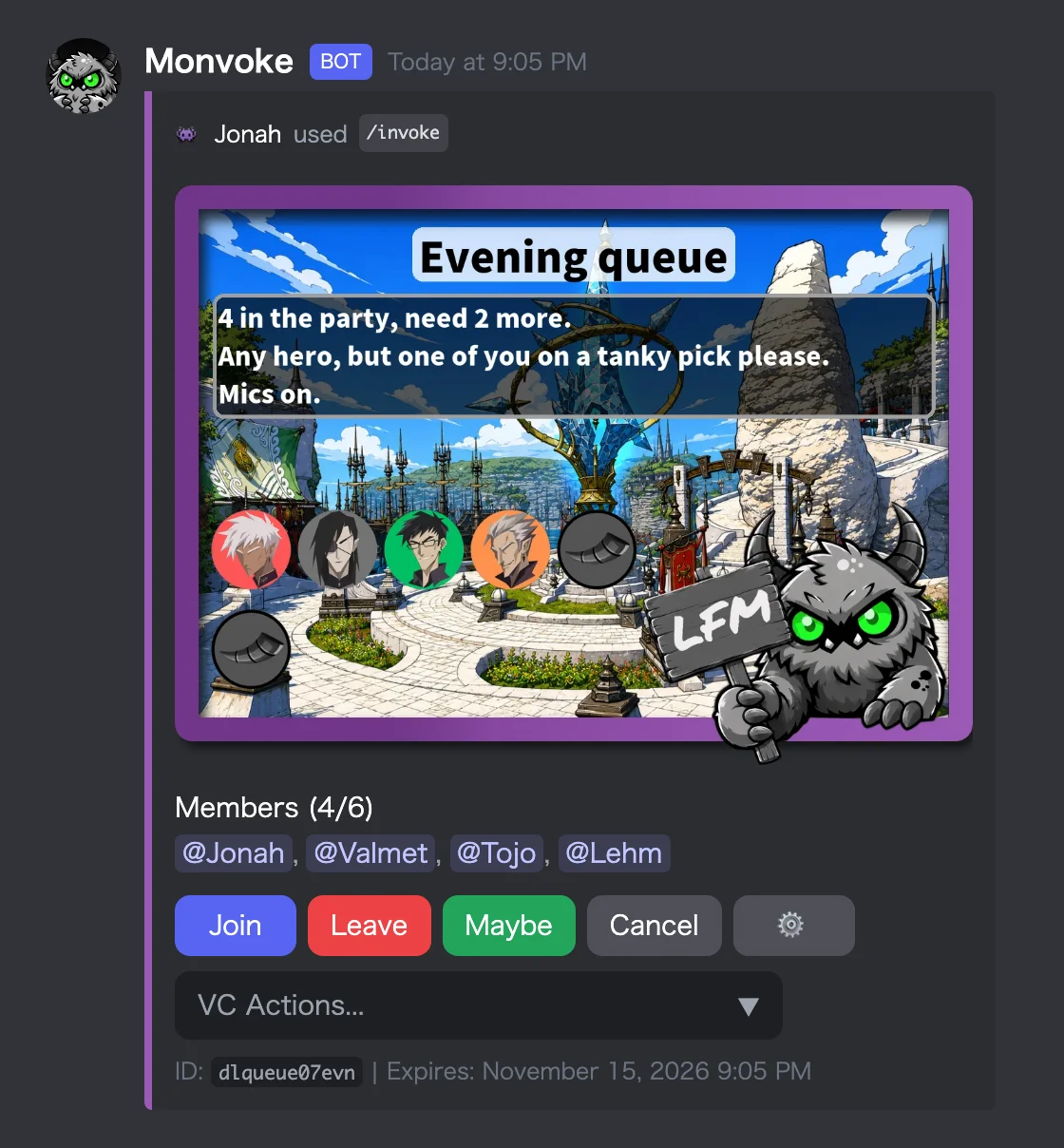
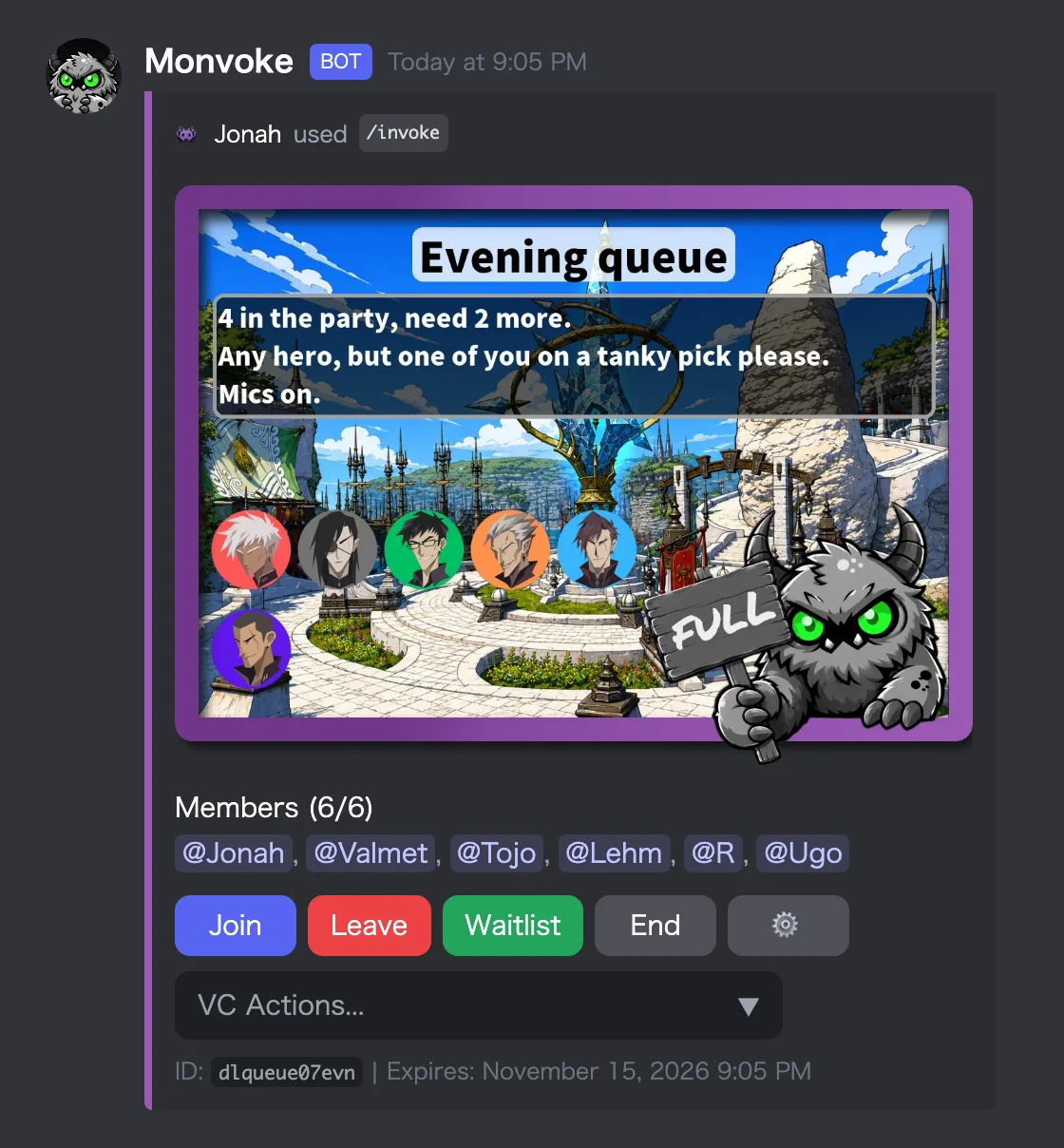
The left image is the post right after you send it: you and your three friends already listed, two slots open. Over the next few minutes names get added to the list, and a player who might make it can register as Maybe without taking a slot.
When the second open slot is taken, the post flips to full (right image) and every member on the post gets a DM. The full post also shows a Waitlist button, so a player who arrives late can line up and be moved in if one of the six drops.
Move the full party into a voice channel only they can join
Once the post is full, you open the "VC Actions" menu on it and choose "Create Dedicated VC". The channel is named after your post title, and only the members on the post can connect. When the roster changes, their access changes with it.
You join that channel yourself first. Then you use "Gather", which moves the members who are sitting in other voice channels on the server into the channel you are in. Anyone still missing is covered by "Call", which mentions the members who are not in the channel yet, in that channel's chat.
With all six in the channel, the match starts from there. The channel is deleted once everyone has left.
Learn more
- Features guide - /invoke covers the form fields
- Features guide - Dedicated VC Creation covers the VC Actions menu, Gather, and Call
- How to Post an LFG on Discord with a Bot - Step by Step walks through a first post from scratch